From the control tower
to the shutter on your wrist.
HAWK, Keep, the app and the owner console — four products, one flow from capture to delivery to operations.
Capture. Process. Deliver.
Manage.
No camera crew, no editors, no expensive gear. Set the timetable once and recording follows; one tap on Keep and the clip lands in the app.
Auto-schedule
Classes and games record themselves, every time.
One-tap Keep
5s before + 3s after, every angle. Double-tap for a best.
Auto-delivery
Multi-angle clips and reels reach the app before the game ends.
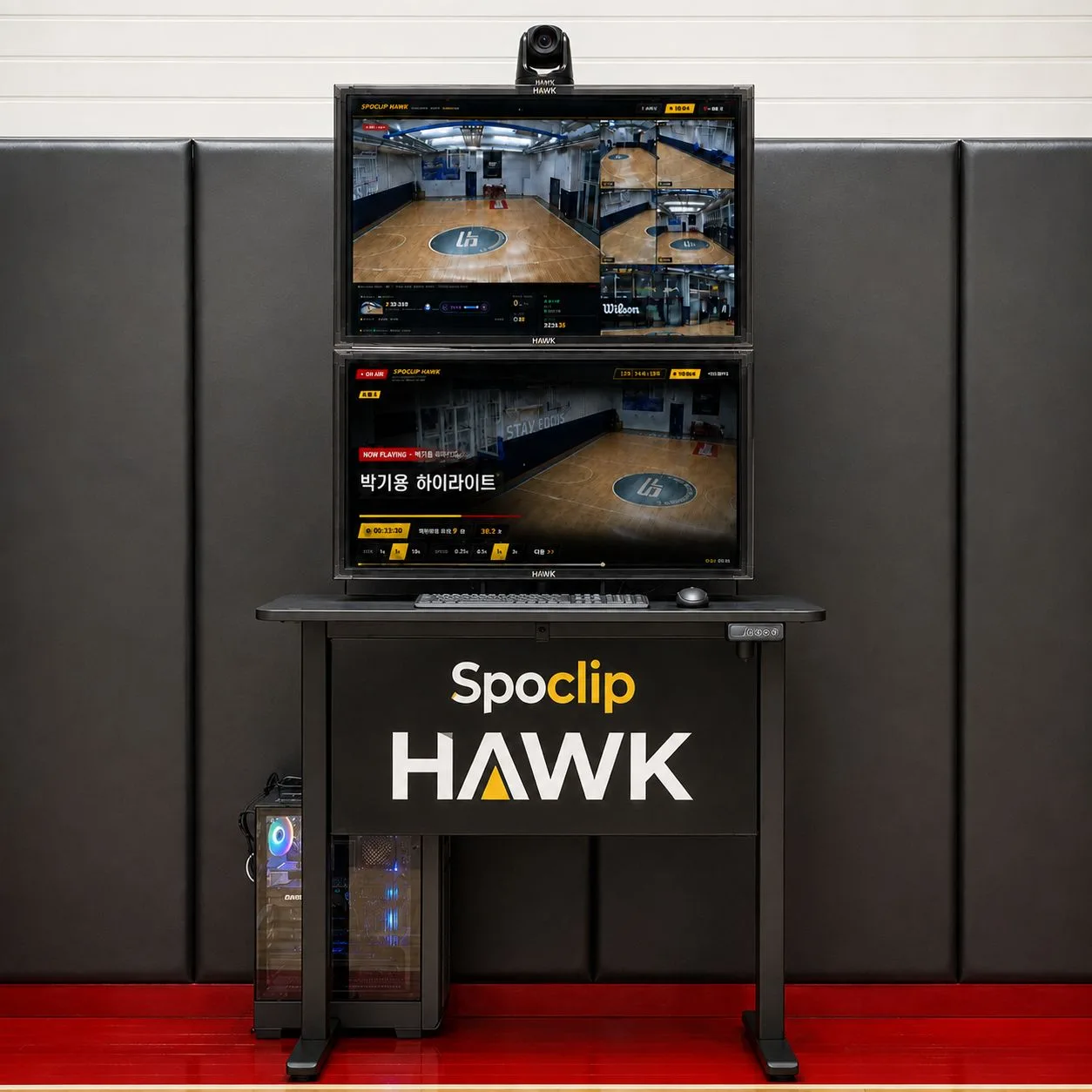
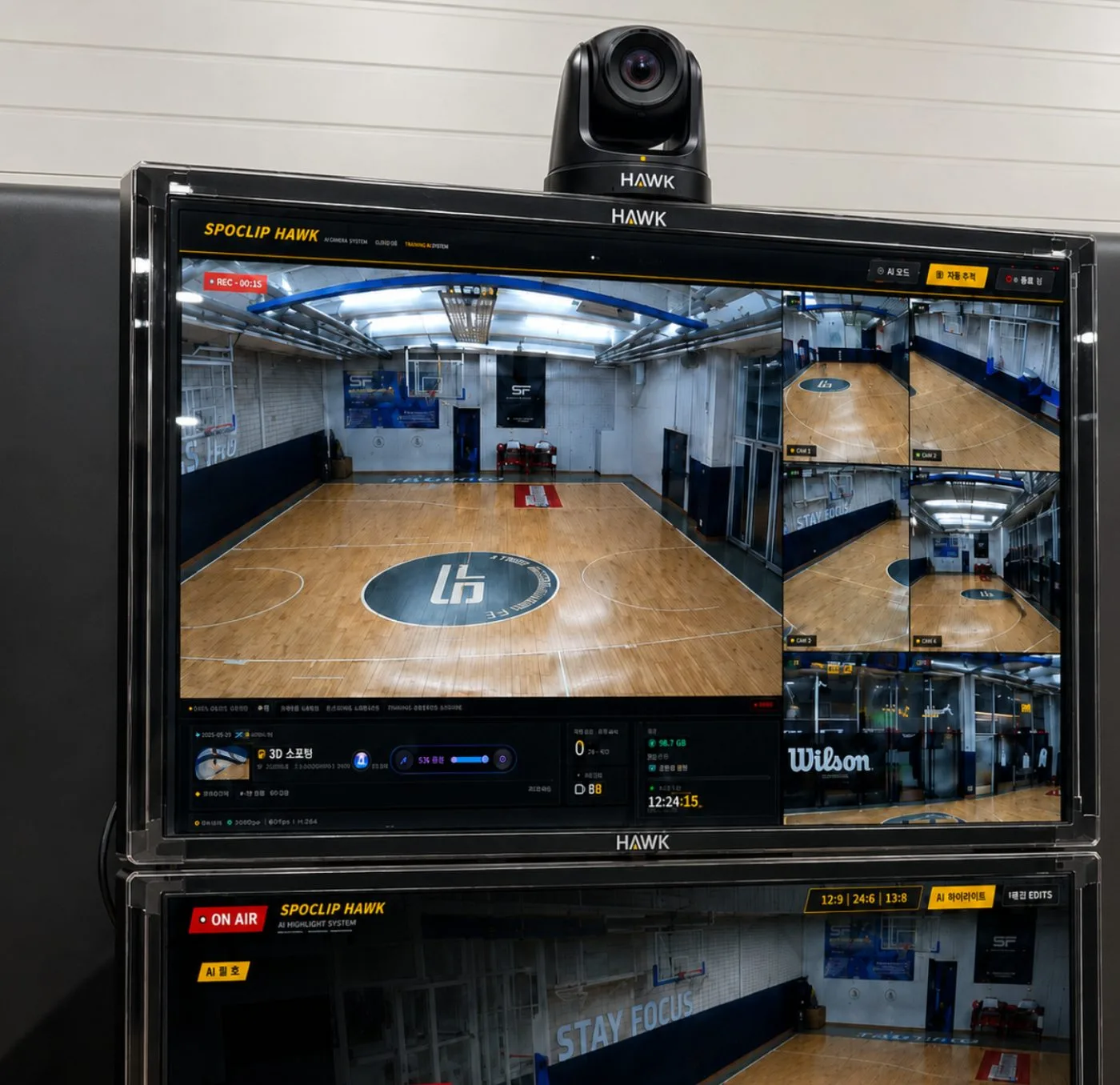
The on-site control tower.
It runs 4 to 20 4K cameras and handles replay, security, IoT and operations AI in one unit. Replay is the star — CCTV, security, power and member management come along.
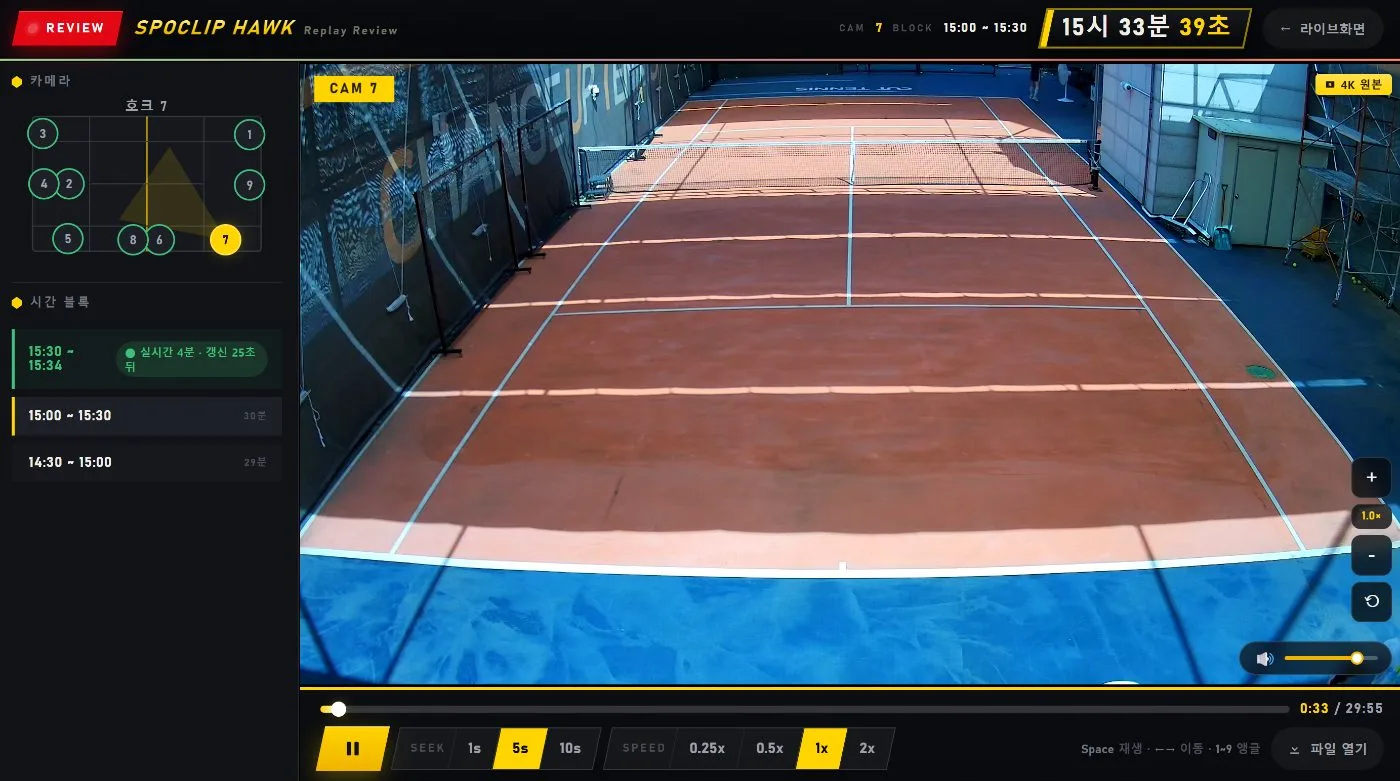
- Instant replay · 9 angles · 0.25× review
- Always-on 4K + night detection — replaces CCTV and patrol
- Lights and HVAC off when empty, monthly savings report
- 9 cameras standard, up to 20–30
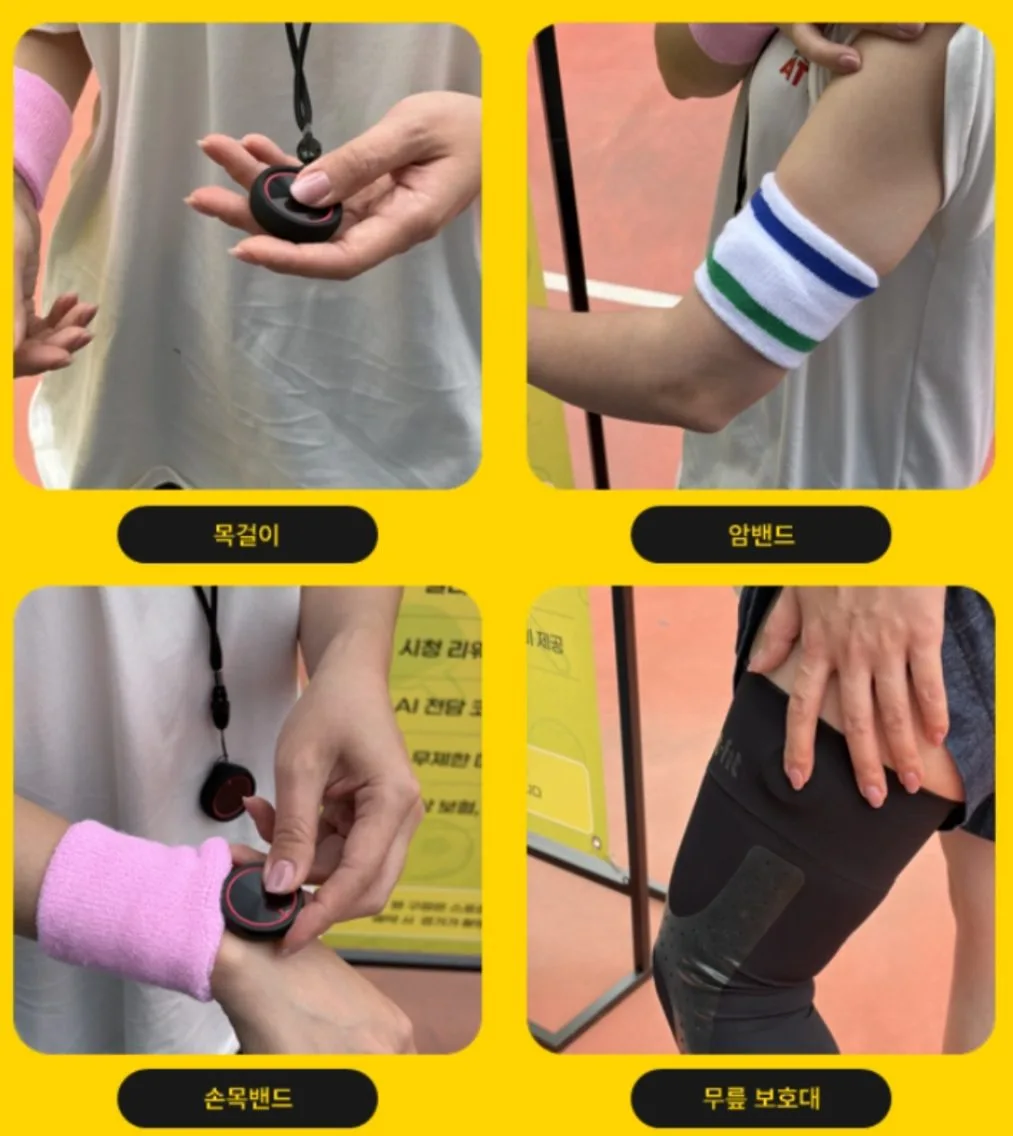
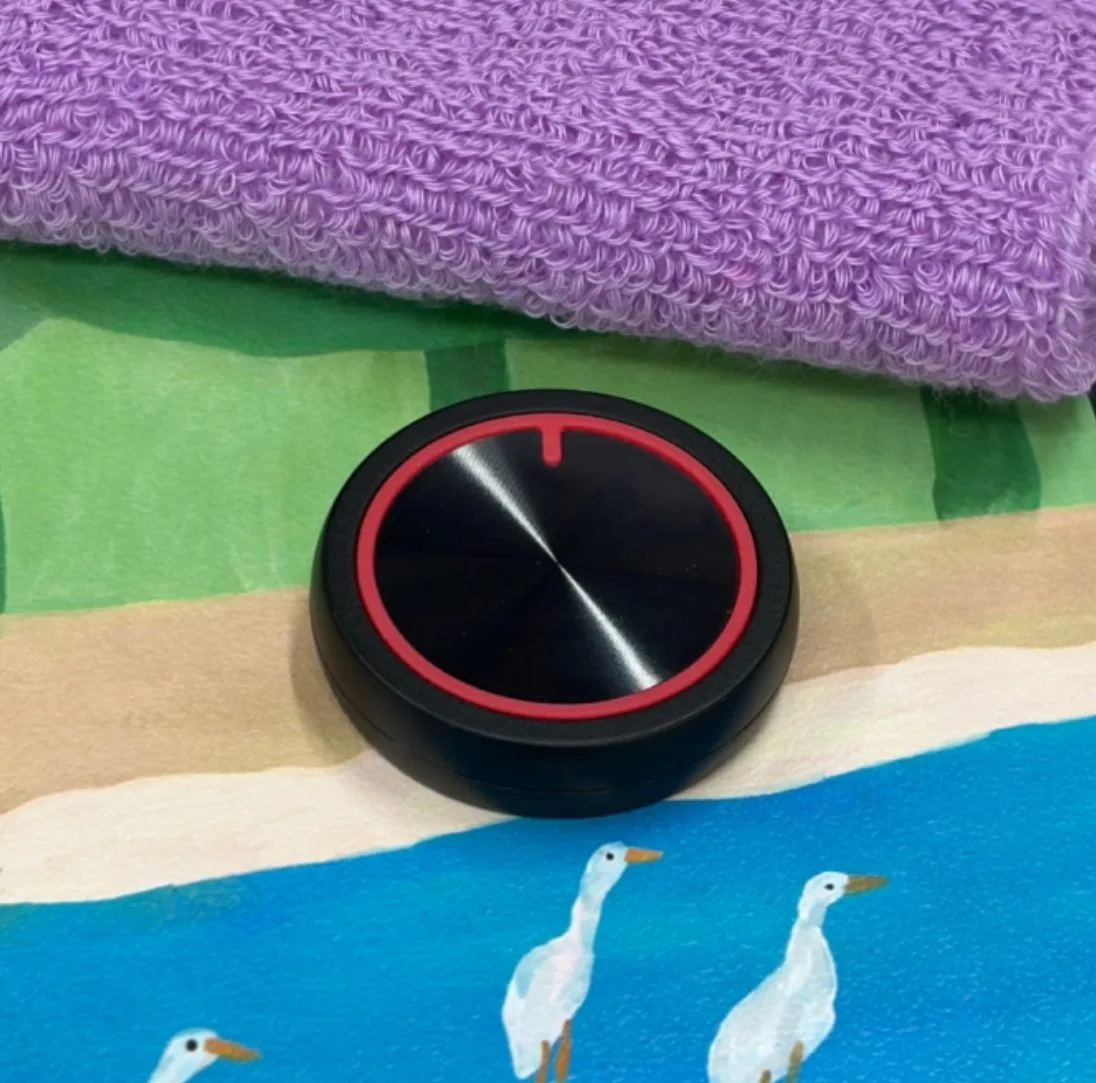
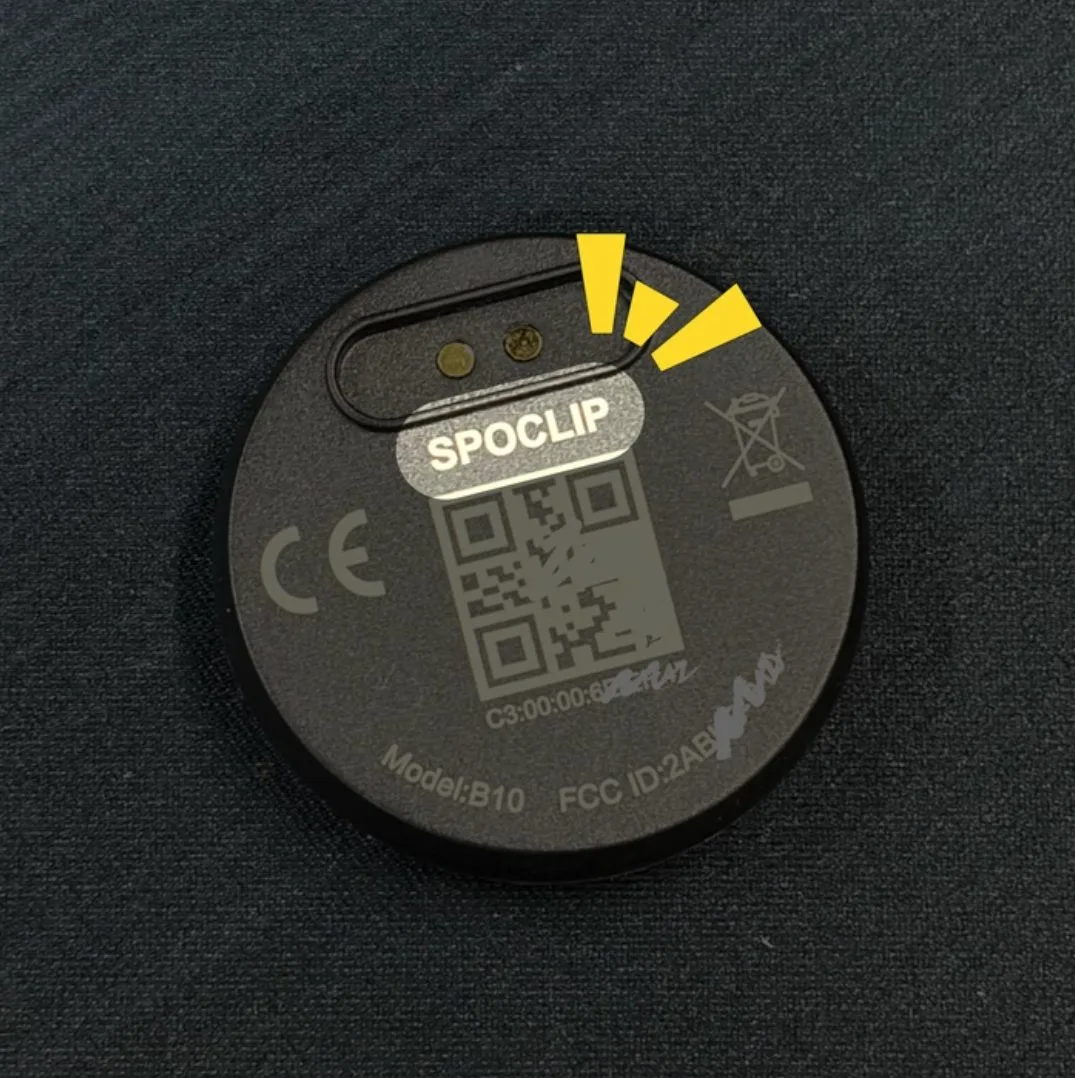
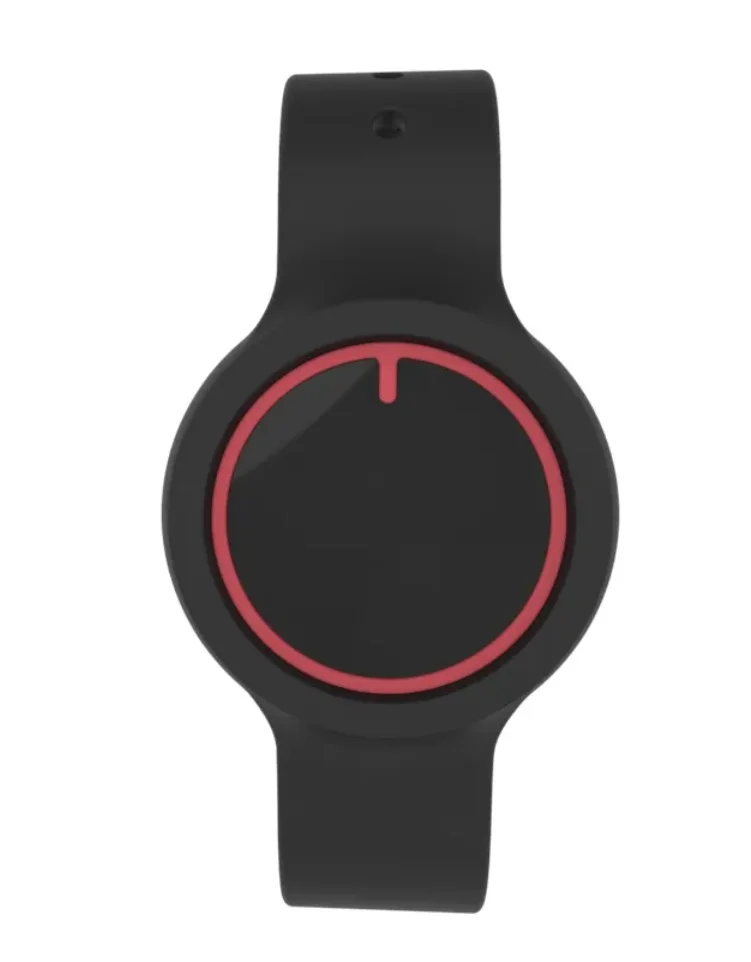
A shutter on your wrist.
Press at the moment — a buzz confirms it’s saved. Once to keep, twice for a best. Paired 1:1 with your account, so your clips go only to your app.
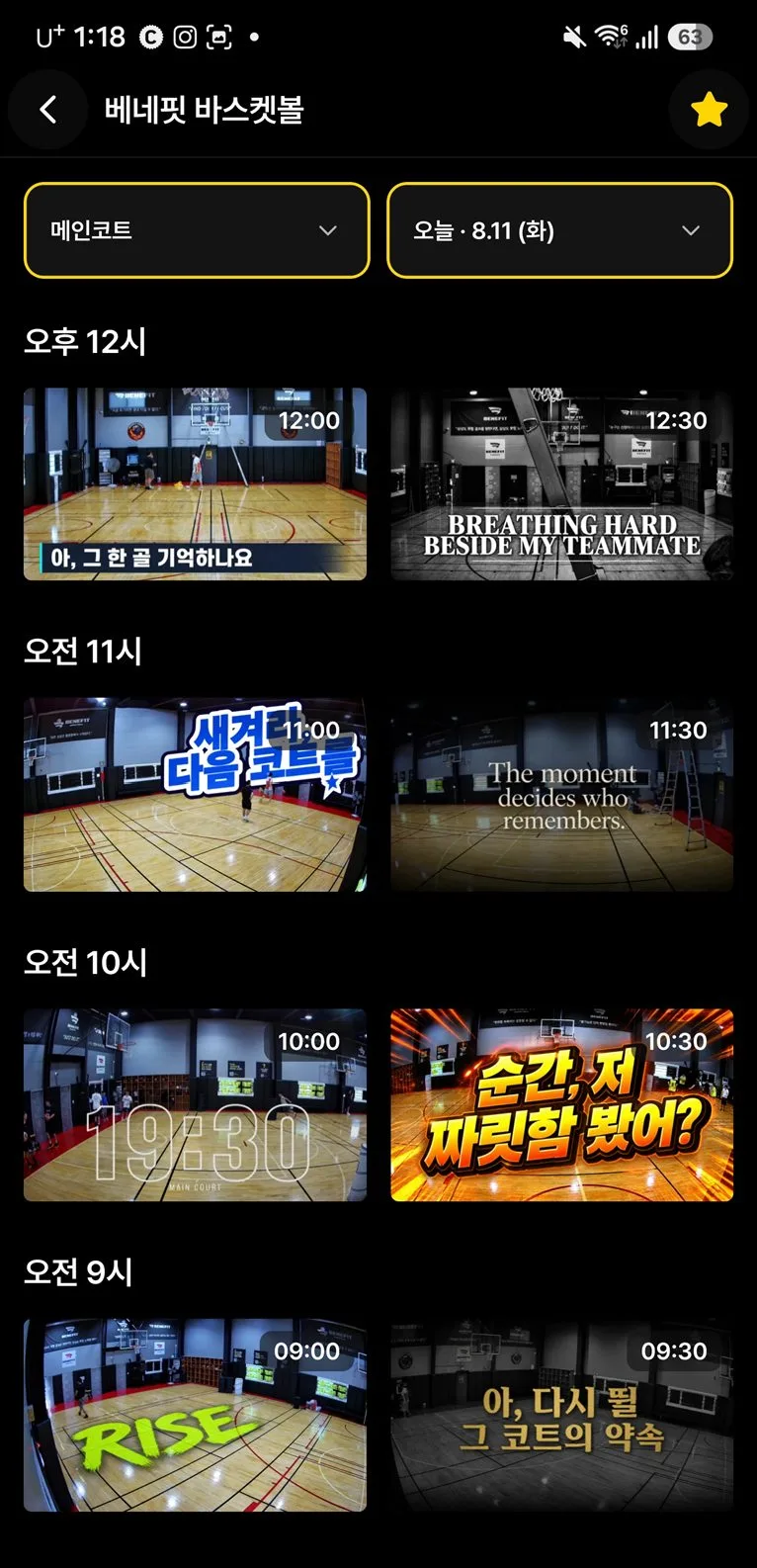
A studio in your pocket.
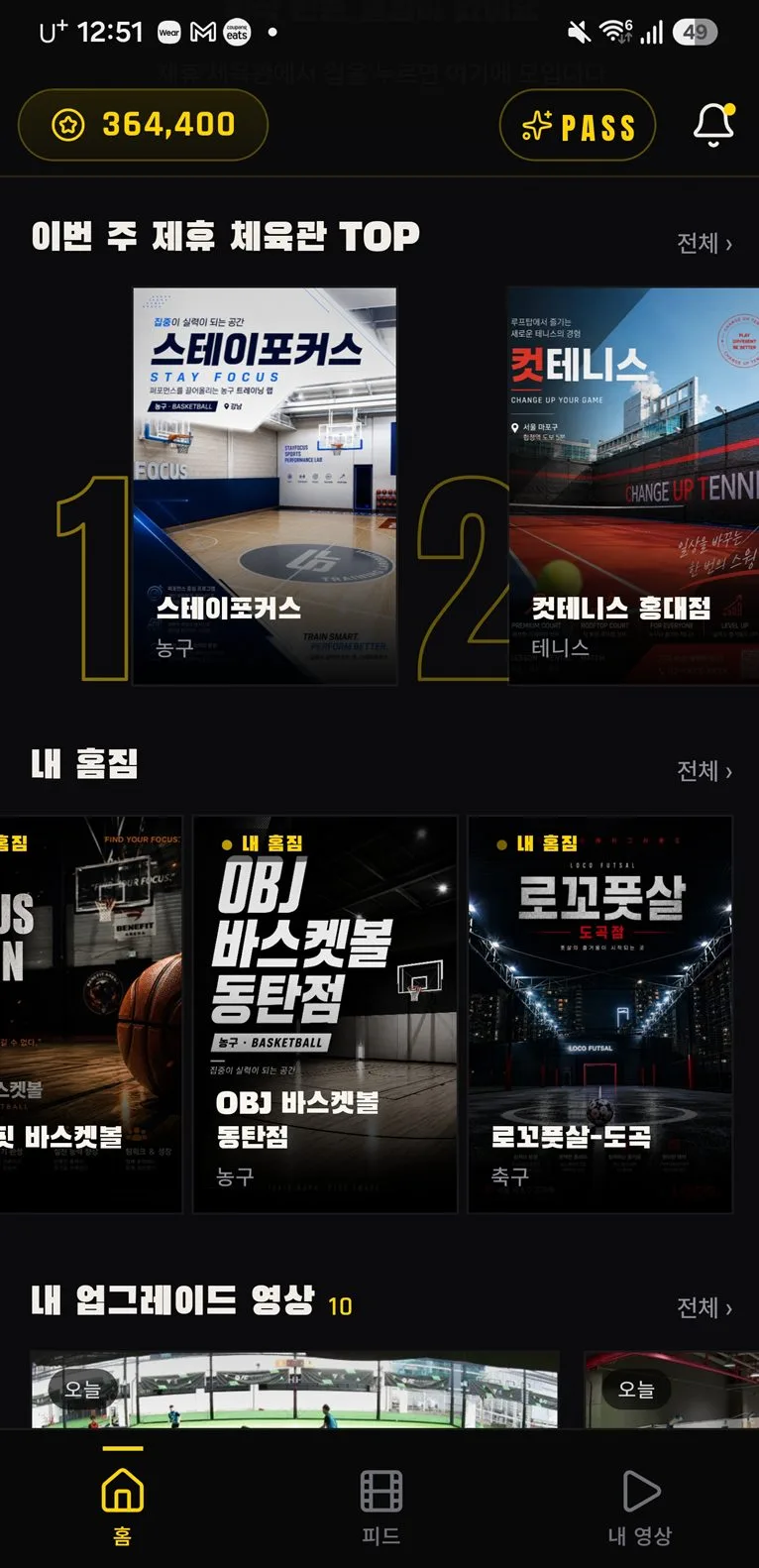
Swipe through 4K angles without lag and download without limits, with lesson feedback and one-tap reels. Free to join and watch.
- 4K 30fps · lag-free angle switching
- Unlimited viewing and downloads
- Auto-scheduled recording · lesson feedback
- Share as reels or messages
Operations,
handled first by Hawk AI.
It reads the venue’s numbers and footage overnight, and by morning the to-dos and drafts are ready. You check and approve.
- Checked 142 check-ins and 38 lesson videos
- Found 9 passes expiring within 7 days
- Matched 5 unpaid invoices · ₩861,344
- Spotted an open court next Wed 7–9 pm
- Found 3 unanswered new leads
All your separate tools,
on one screen.
Members, classes, billing, sales, live, replay, promotion and IoT — one console, on desktop or phone.
Screens are simplified examples.
MEMBERS
- Member 360
- Sign-up forms
- E-contracts
- App invites
- Inquiries
- Student notes
CLASSES
- Schedule
- Rentals · lessons
- Self check-in
- Kiosk
- Make-up picks
- Lesson recording
MONEY
- Passes · products
- Billing
- Payment links
- Front desk POS
- Accounting · P&L
- Gold report
MESSAGING
- Auto messages
- Bulk SMS
- Instagram leads
- Promo center
- Feed · reels
- Site editor
VIDEO
- Live
- Replay review
- Send clips
- AI clip studio
- Just-this-player video
- Motion analysis
OPERATIONS
- Hawk AI briefing
- Insights
- IoT control
- HR · payroll
- Staff portal
- Member portal
We move your existing data for you.
Spreadsheets or another CRM — members, remaining passes, payments and dues, attendance, notes and bookings are moved by our team.
- ReviewCurrent tools, sheets and paper
- Clean upDuplicates, typos, expired passes
- Move · matchRemaining visits and dates, 1:1
- Run in parallelOne month side by side, then switch
You don’t adapt to the system. It adapts to you.
Membership structure, pricing rules, rental timetables, attendance rules, message wording, even menu names — your way, and it changes when you do.